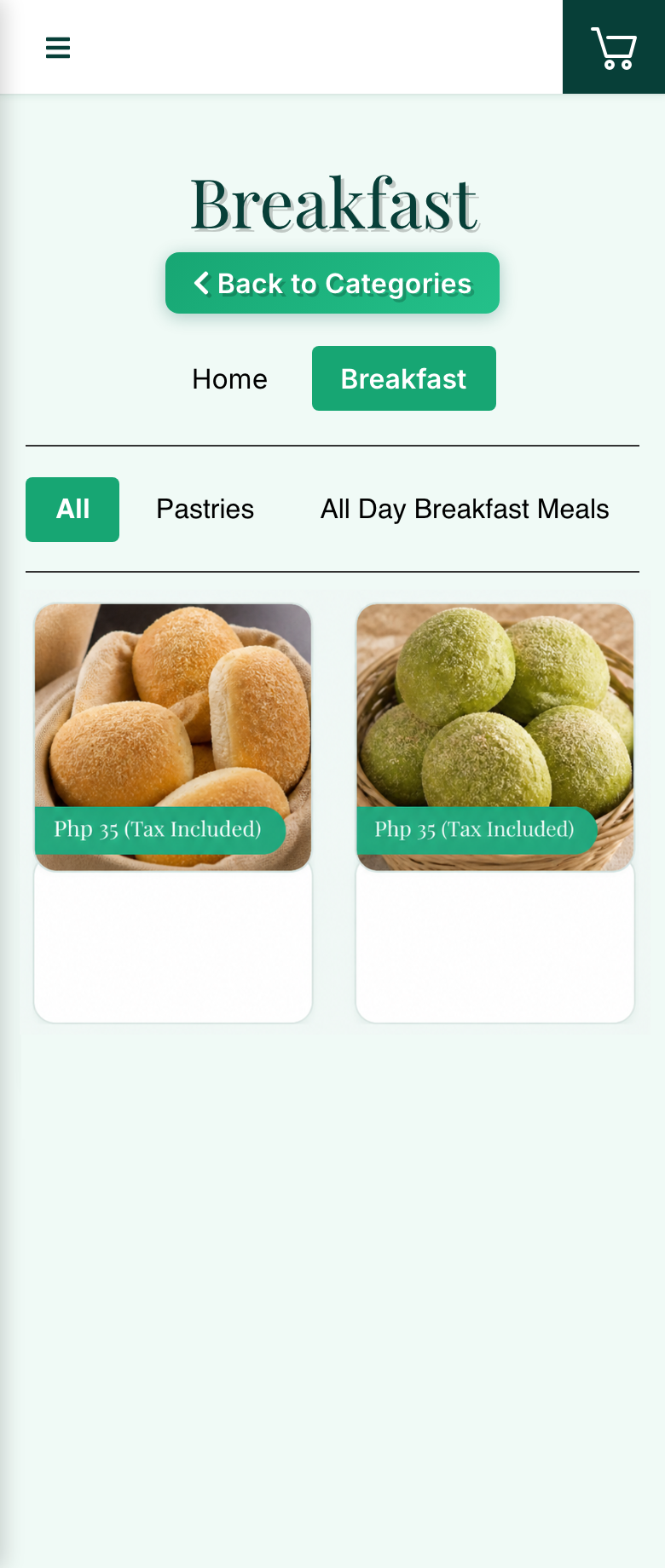
Guests scan the table QR
They browse the live menu, choose items, and send orders from their table.
 Request demo
QR ordering and table operations for dine-in venues
Xpress Order helps Philippine restaurants and cafes with dine-in seating run smoother table service — on top of whatever system they already use.
Quick answer
Xpress Order is a table QR ordering and operations system for restaurants and cafes with dine-in seating in the Philippines. Guests scan a QR code at the table, browse a live menu, submit an order, and staff receive it through a kitchen queue and table status view.
It fits any dine-in setup where guests sit at assigned tables — from casual dining and samgyup restaurants to cafes and milk tea shops with seating — filling the floor operations gap most existing systems don't cover.
See it in action
How Xpress Order fits in
Most restaurants already have a POS for billing and receipts. Xpress Order fills the gap your POS doesn't cover — the ordering and coordination that happens between the guest and the kitchen.
| POS alone | POS + Xpress Order | |
|---|---|---|
| Billing & payment processing | ✓ | ✓ |
| BIR-accredited receipts | ✓ | ✓ |
| Back-office inventory | ✓ | ✓ |
| Guest orders from the table via QR | ✗ | ✓ |
| Orders go straight to kitchen queue | ✗ | ✓ |
| Kitchen status: ordered → cooking → ready | ✗ | ✓ |
| Table status view (open, occupied, bill-requested) | ✗ | ✓ |
| Call staff & bill request from guest's phone | ✗ | ✓ |
| Staff freed from manual order-taking | ✗ | ✓ |
Built for peak-hour service
They browse the live menu, choose items, and send orders from their table.
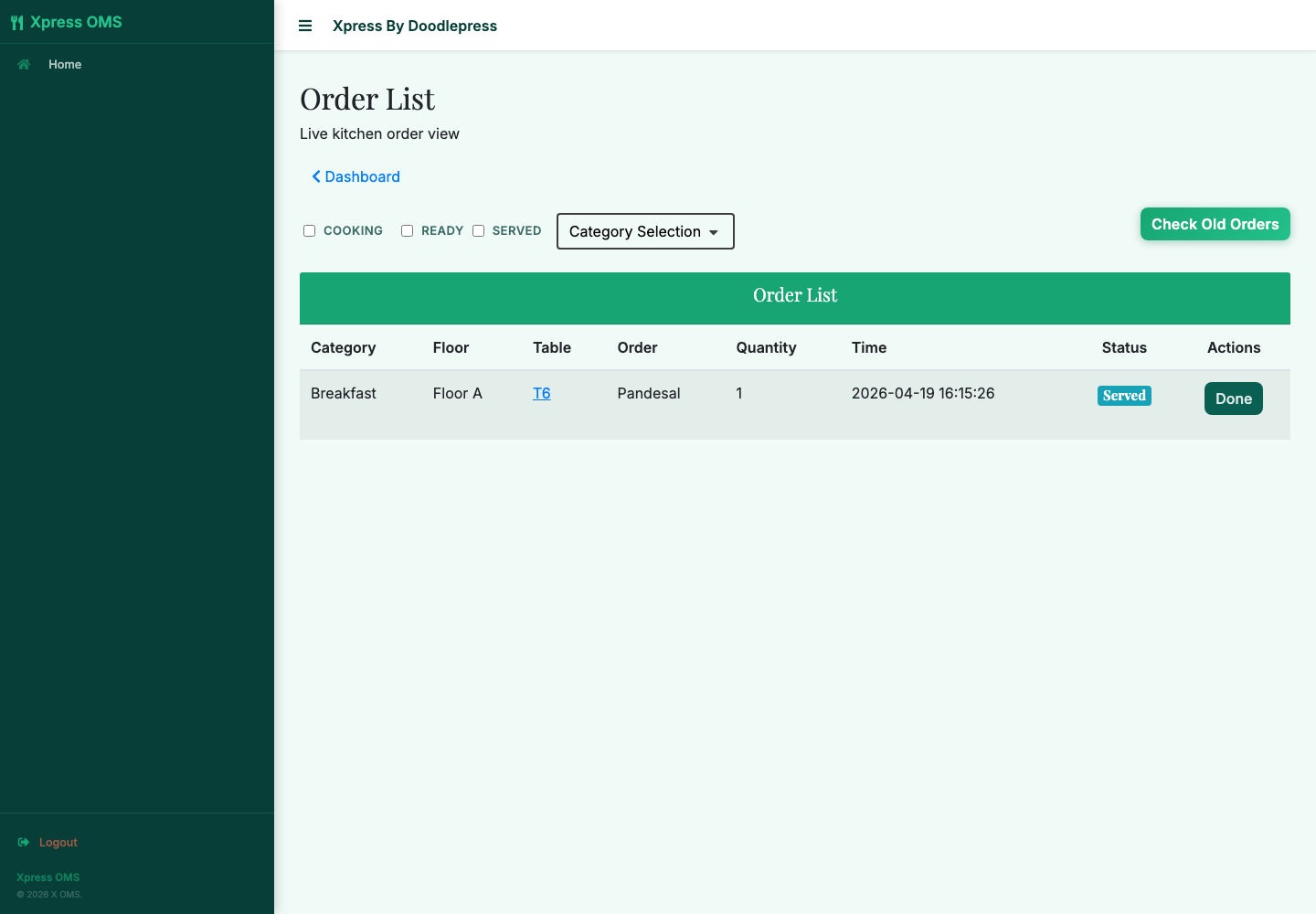
Orders appear instantly with clear status updates: ordered, cooking, ready.
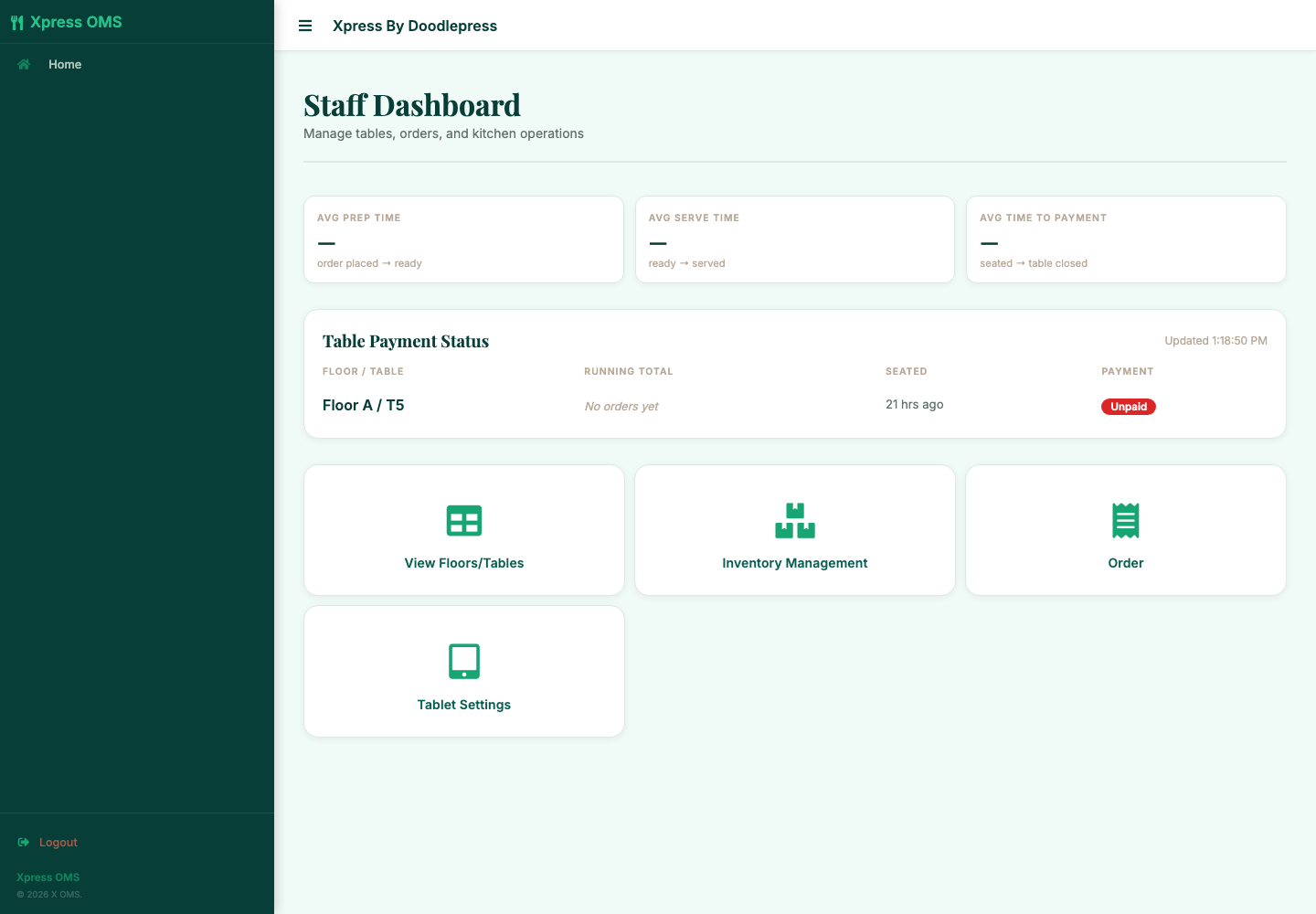
Managers see table activity, invoices, customer history, and daily totals.
Three connected views
Xpress Order connects customer ordering, staff operations, and owner visibility without making every user work from the same screen.
MVP scope, ready to sell
Marketed as a service efficiency system, not a full POS replacement. It keeps promises focused on what Xpress Order supports now.
Categories, photos, prices, availability toggles, branch profile, and logo.
Cart, order submission, staff calls, bill requests, and payment method selection.
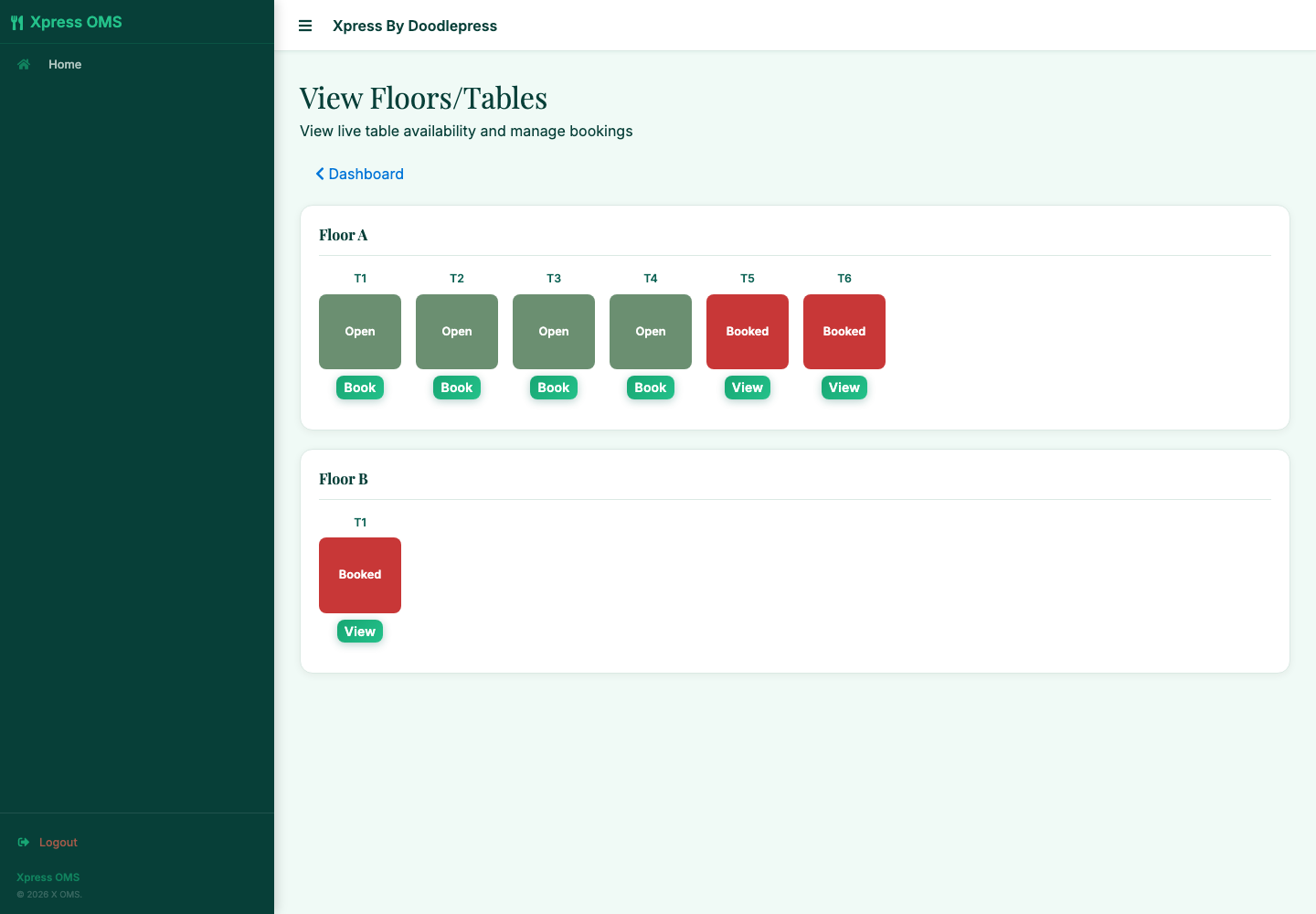
Kitchen queue, status changes, and table colors for open, occupied, or bill-requested.
Per-item stock with daily auto-reset. Items go unavailable when sold out, no overselling.
Per-item or whole-cart discounts in fixed peso or percent. Tax stays clean.
Staff accounts, QR generation, invoice view, customer list, and spending history.
Daily, monthly, and yearly sales. Plus per-staff performance and per-menu popularity.
Setup, onboarding, menu cleanup options, and Philippine SMB-friendly assistance.
Packages
Standard at ₱799/month includes the full system with unlimited tables, staff, menu items, and floors — plus managed onboarding, menu encoding, and priority support.
Default for most local dine-in restaurants. Managed launch with monthly menu help.
₱0 setup · 30-day free trial
Answers for restaurant owners
No. It is currently positioned as a QR ordering and table operations system, not a BIR-accredited POS replacement.
Not yet. Payment method (cash, card, cashless) is tagged per booking for reporting. Live gateway integration is on the roadmap.
Casual dining, grill, and samgyup restaurants with dine-in seating — and cafes or milk tea shops with a seated area. Any Philippine venue where guests sit at assigned tables and staff currently take orders by hand.
Introductory launch offer
Start on Standard with a 30-day free trial — 50 menu items encoded, kickoff onboarding call included, no setup fee. Cancel any time before billing starts. Month-to-month, no long-term commitment.
Xpress Order is not yet a BIR-accredited POS, payment gateway, split-bill, loyalty, offline-mode, or SMS/email notification solution. ESC-POS network kitchen printers are compatible if a client already has one — no printer is required to run the system.